One cart
Tours, villas, yachts and activities are collected in the same trip file as flights, hotels and transfers.
Non-price items are explicit
Deposits, cleaning fees and extras paid at the marina are shown separately from the price.
Category and amount rules
The company defines allowed tour, villa, yacht and activity types and amount limits through policy.
The agency's own inventory
The agency's own tours, villas, yachts and activities reach the portal through the same flow.
Corporate travel is not only meetings and trade fairs. An annual dealer meeting, a team camp, a yacht programme for the board or an event ticket for employees all come out of the travel budget, and they often run on quotes collected by email. In Kurumsal.pro, tours, villas, yachts and activities are inside the portal your agency gives its corporate clients and are booked under the same rules as a flight.
Why are these four products together in the corporate portal?
Tours, villas, yachts and activities are four separate products that share the same search, detail and cart flow in the corporate portal. All four stand out in team and group travel, in all four the items outside the price (deposit, cleaning, extras) matter for the decision, and all four are managed under the same policy, approval and invoice rules.
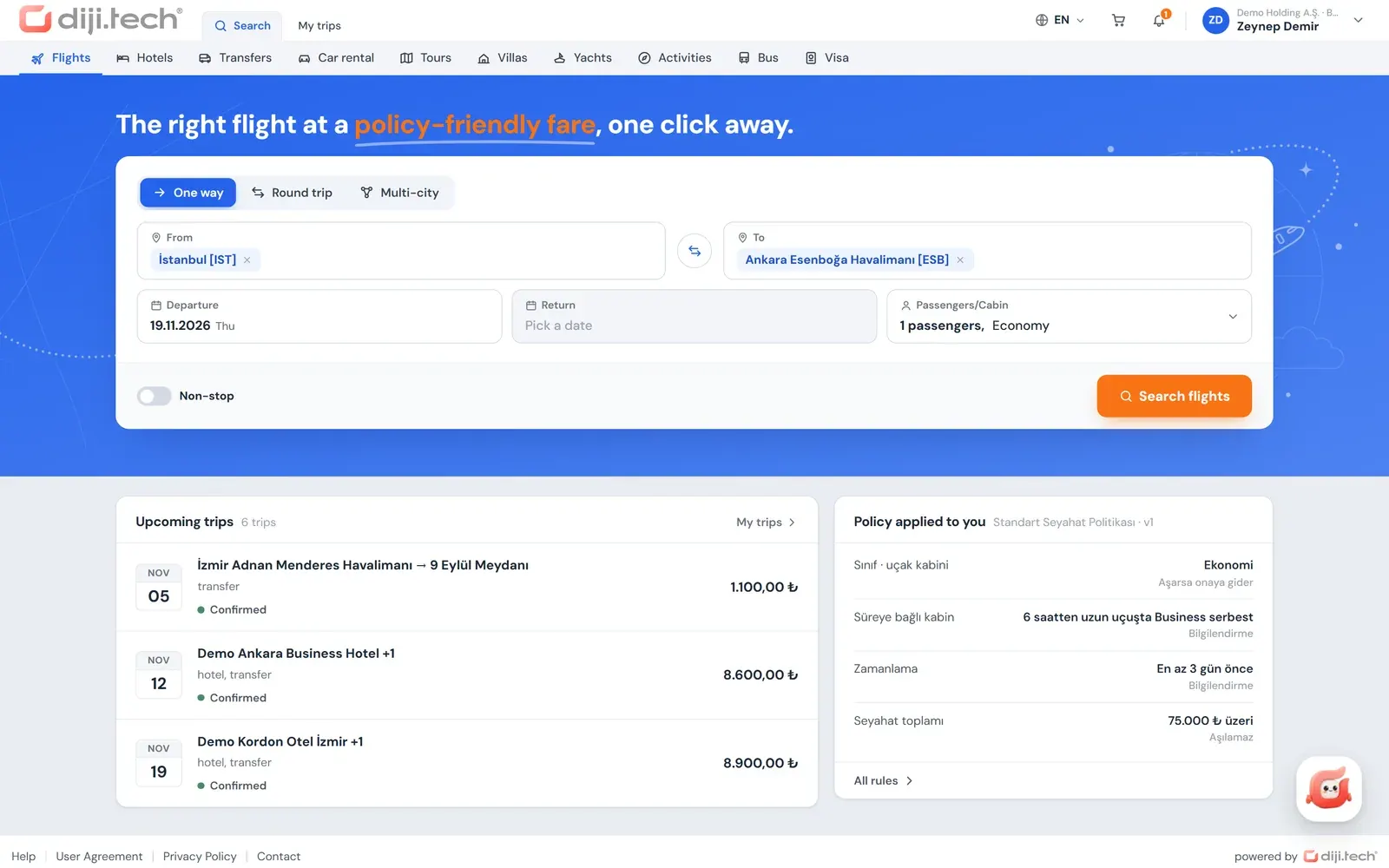
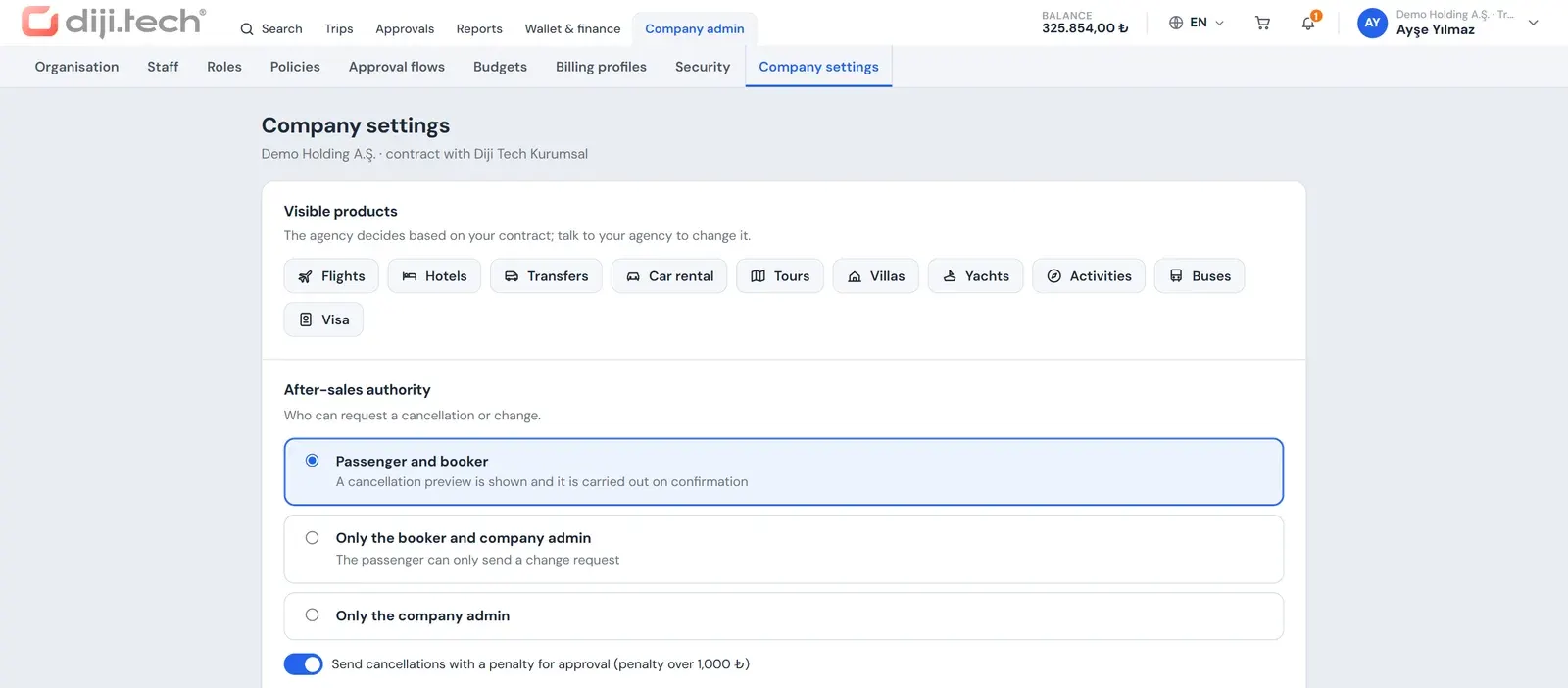
Each product is a separate tab in the product strip of the portal that comes with the DIJI.TECH corporate travel management software. The agency decides per client which products are visible; for example it can switch on only activities and villas and keep tours closed. The sections below describe how each product works in the portal, followed by the shared policy and approval rules.
How does corporate tour booking work?
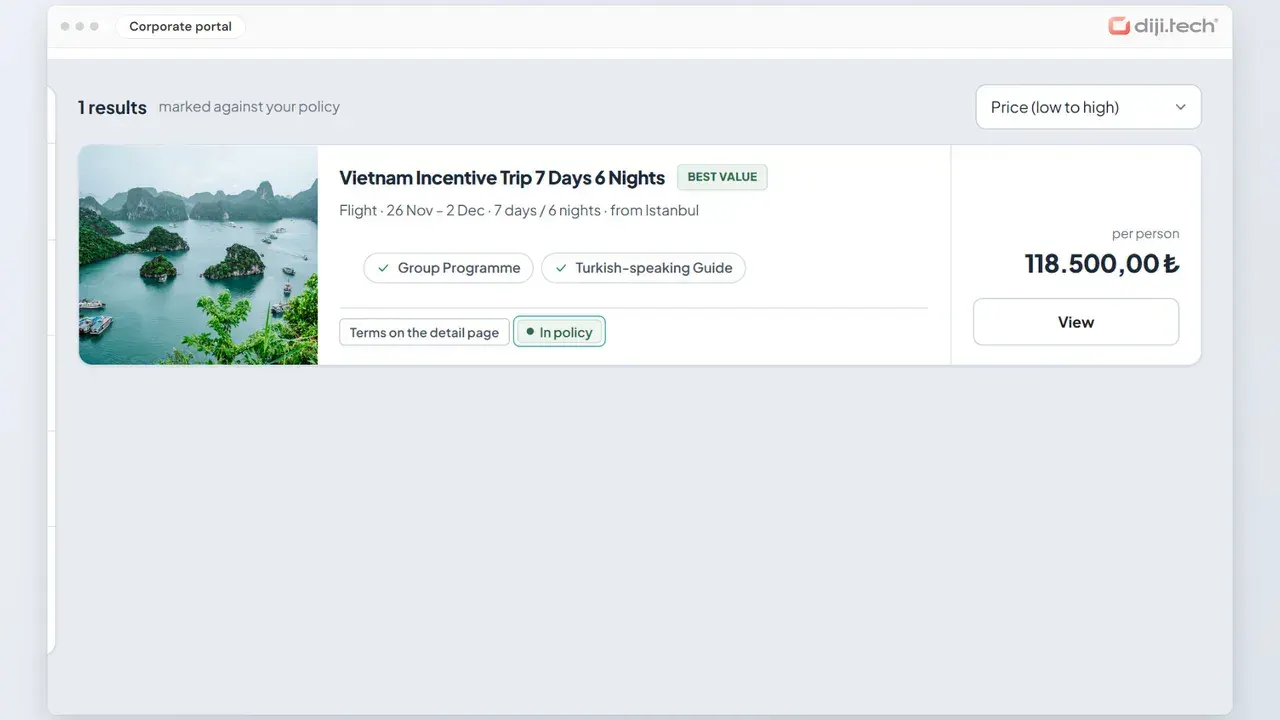
The tour module opens the tours the agency has defined in its own inventory to the corporate portal. The employee searches by selecting a destination and month and filters the results by duration, theme, transport and tour type. The detail shows the programme, inclusions, exclusions and terms; the period and room type are chosen and the tour is added to the cart.
In the tour detail the information needed for the decision is split into tabs: overview, programme, included and excluded, and terms. The room type is chosen as single or double, and an age range is given for child passengers. For on-request tours the employee adds the tour to the cart by selecting a date. If a tour has no period open for sale, the portal states this clearly. Because the tour module lists only the agency's own tours, an agency can offer programmes it prepared itself, such as a dealer trip or an incentive tour, by adding them to its inventory.
How is a villa rented?
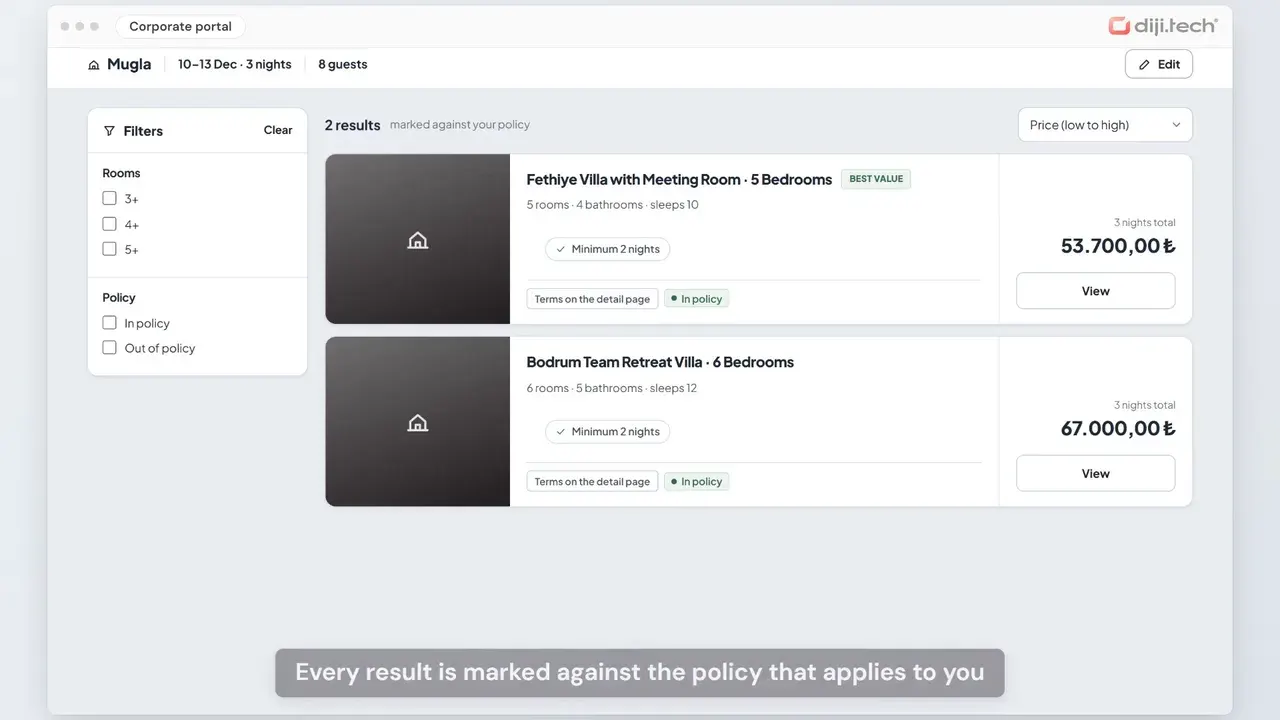
A villa search is made by location, date and number of guests. Results can be filtered by number of bedrooms (3+, 4+, 5+) and private pool; each villa shows its capacity, number of bedrooms and bathrooms, and the minimum number of nights. In the detail the price is calculated by number of guests, and the cleaning fee and deposit are shown separately.
On the villa side, writing the items outside the price explicitly matters so the approver sees the right amount. The cleaning fee is shown as a separate line or marked as included in the price. The deposit is not included in the price: it is paid to the villa owner on arrival and refunded at departure if there is no damage. If a price cannot be obtained for the chosen number of guests, the portal says so. A villa is used as an alternative to a hotel for group stays of a few days, such as a team camp or a management retreat; the corporate hotel side is covered on the corporate hotel booking page.
How does yacht charter work?
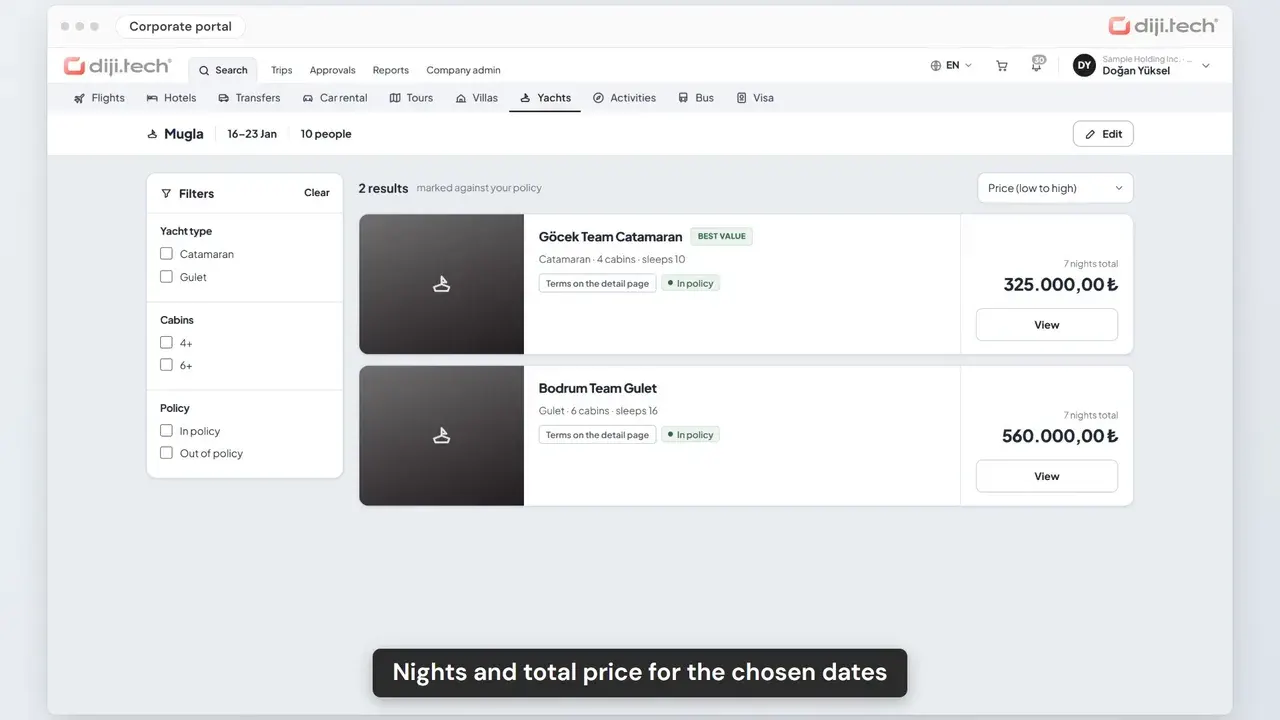
A yacht search is made by marina or region, date and number of people, and the results can be filtered by yacht type and number of cabins. The detail shows a live price quote, the embarkation and disembarkation ports and the number of cabins and bathrooms. Mandatory extras are included in the total price; optional extras, items payable at the marina, the deposit and cancellation terms are written separately.
The items that the employee and the approver see on a yacht are:
- Mandatory extras: Shown included in the total price.
- Optional extras: Arranged with the supplier before boarding and not included in the total.
- Payable at the marina: The amount of extras to be paid in cash at the marina is written separately from the price.
- Deposit: Paid to the captain at boarding and refunded at disembarkation if there is no damage; not included in the price.
- Cancellation and last booking time: Shown in the detail.
A yacht is used for a few-night programme such as hosting clients, a programme after a management meeting or a team reward.
How are activity tickets bought?
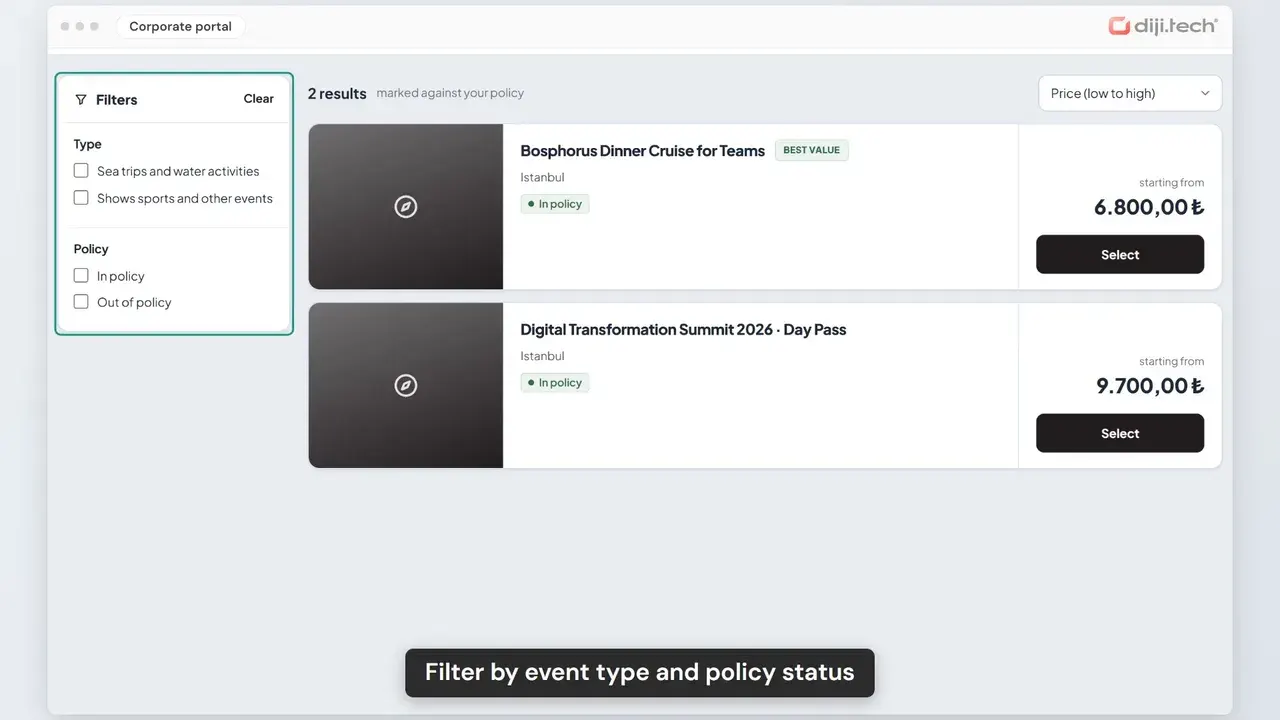
An activity search is made by destination, date and number of people. Results are filtered by activity type and each activity shows its duration. When the employee selects an activity, live sessions and prices for that date and number of people come in; a suitable session is chosen and the activity is added to the cart. If no session is available, the portal says so.
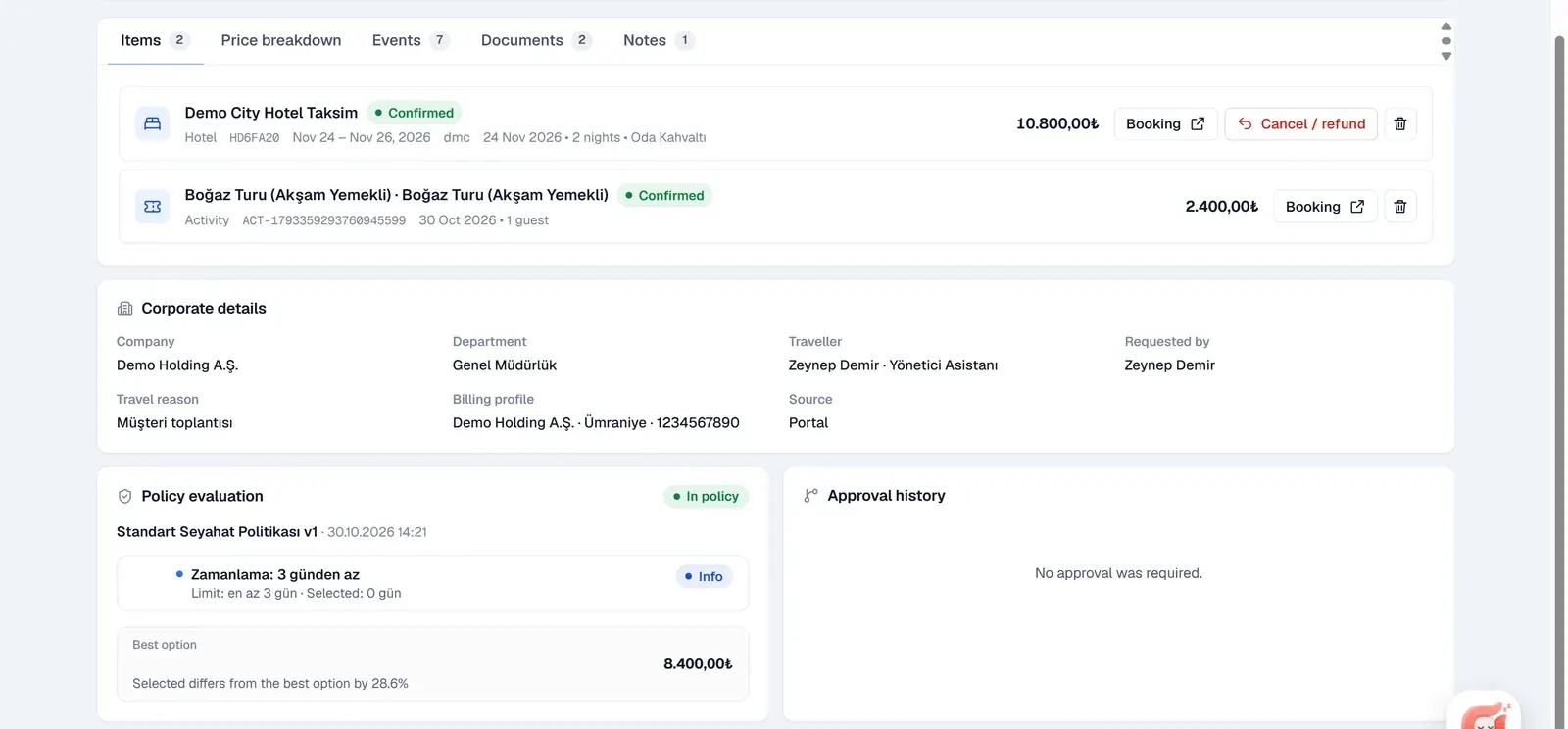
An activity is a complementary part of the corporate programme: an evening programme in the meeting city, an activity that builds team spirit or a guided tour added to a trade-fair visit. Because the ticket enters the same trip file as the flight and hotel, the company sees the total cost of the programme in one place.
How do the four products differ?
The four products share the same cart and approval flow; the differences are in the search criteria and the items outside the price. A tour is chosen by programme, a villa by number of guests and nights, a yacht by marina and cabin, and an activity by session. The table compares the four by search, filters, detail, non-price items and content source as they work in the portal.
| Topic | Tour | Villa | Yacht | Activity |
|---|---|---|---|---|
| Search | Destination and month | Location, date, guests | Marina or region, date, people | Destination, date, people |
| Filters | Duration, theme, transport, tour type | Number of bedrooms, private pool | Yacht type, number of cabins | Type |
| In the detail | Programme, included and excluded, terms, room type | Price by guests, minimum nights | Live quote, ports, extras | Live sessions and prices |
| Non-price items | Excluded services written in the terms | Deposit, cleaning fee | Deposit, payable at the marina, optional extras | None |
| Content source | The agency's own tours | Rentals United and the agency's villas | NauSYS, Booking Manager and the agency's yachts | Bedsonline and the agency's activities |
How are policy and approval applied to these products?
The company's travel policy evaluates tours, villas, yachts and activities in the cart and records the result permanently at submission. For villas and yachts a nightly unit price limit is used; amount per person, item total and trip total apply to all products, and the category rule defines the allowed tour, villa, yacht and activity types.
The rules that can be used:
| Rule | Use |
|---|---|
| Unit price limit | A nightly upper limit for villas and yachts; a separate limit per city can be defined |
| Amount per person | A per-passenger limit for tours, activities and other products |
| Category | Allowed tour, villa, yacht and activity types |
| Item total and trip total | An amount limit for a single item or for the whole cart |
| Minimum days before purchase | Routes last-minute organisation to a reason or approval |
| Approval on every request | Always shows these products to the approver |
The policy verdict is shown as a badge on every row in the search results, and results can be filtered as in or out of policy; no badge is shown on the tour, villa and yacht detail pages, a preliminary evaluation is made in the cart and the result is recorded at submission. If the cart is out of policy or the budget is exceeded, the whole trip goes to approval as one request. The price of these products is not held during approval: it is fetched again at final approval, a difference within the percentage tolerance the company defined for tours, villas, yachts and activities does not stop the purchase, and a larger one sends the request back to approval. Searches are made in Turkish lira. The design of rules is on the travel policy management page and approval levels are on the travel approval workflow page.
How do payment, invoicing and cancellation work?
Tours, villas, yachts and activities are paid from the prepaid company wallet the agency opens, or, where the agency permits it, by card with 3D Secure. The invoice is issued to the billing profile selected in the cart. After purchase the employee opens a cancellation or change request from the trip file, and the agency processes it.
Card details are not stored and the charge is a single payment. The price of a team programme that passes approval is collected from the company wallet together with the final approval. For a cancellation request the portal shows a penalty and refund preview from the stored cancellation terms; the actual cancellation with the supplier is made by the agency. Purchased items enter the company's spend, policy compliance and sales breakdown reports with a product breakdown.
How does the agency offer and price these products?
The agency offers these four products from its own inventory and from the suppliers active on the tenant. Tours are only the agency's own tours; for villas, yachts and activities, content from Rentals United, NauSYS, Booking Manager and Bedsonline comes in addition to the agency's own products. The corporate client does not see the supplier name or the net price, only its own price.
On the pricing side, the agency defines a client-specific service fee in the detailed rule engine: for tour, villa, yacht and activity products, fixed or percentage, per booking, passenger, night or day. A rule written for a client overrides the agency's general rule for that client, and the client's subsidiaries and branches are priced with the same rule. Price tiers for these products can also be set up separately with the client (customer) dimension.
On the sales and operations side:
- Agent-assisted booking: Agency staff select the client and the person in the panel and sell these products at the client's price; see the agent-assisted booking page.
- Quote PDF: Tour, villa, yacht and activity options are added to a quote document with the seller's logo.
- Accounting: Sales pass through the agency's accounting line; the SYS feed includes tour, villa, yacht and activity products.
- Documents: The voucher, travel plan and invoice PDFs in the trip file carry the agency's brand.
Agency tools such as client management, the client price form and the wallet are described on the corporate travel agency software page. The employee's cart, My Trips and cancellation request experience is on the self-booking tool page.
To see the tour, villa, yacht and activity flow with your own client scenarios, you can request a session through the DIJI.TECH demo page. Activating an additional module takes one business day; pricing is set by a quote.
Screens
1 / 7
2 / 7
3 / 7
4 / 7
5 / 7
6 / 7
7 / 7
Screens are taken from the DIJI.TECH corporate portal and agency panel and show sample data.
Frequently asked questions
Which tours, villas, yachts and activities are listed in the corporate portal?
The tour module lists the agency's own tours. For villas, yachts and activities, content from the suppliers active on the tenant comes in addition to the agency's own inventory: Rentals United for villas, NauSYS and Booking Manager for yachts and Bedsonline for activities. Which supplier is active is decided at setup.
How is a corporate tour booked?
The employee searches for a tour by selecting a destination and month and filters the results by duration, theme, transport and tour type. The detail shows the programme, inclusions, exclusions and terms; the period and a single or double room type are chosen. For on-request tours a date is selected, and then the tour is added to the cart.
Are cleaning and deposit included in the villa price?
The villa detail shows that the price changes with the number of guests; the cleaning fee is written as a separate line or marked as included. The deposit is not included in the price: it is paid to the villa owner on arrival and refunded at departure if there is no damage. The employee sees all of this before adding to the cart.
Which extras are included in a yacht price?
In the yacht detail, mandatory extras are included in the total price shown. Optional extras are arranged with the supplier before boarding and are not in the total. Extras payable in cash at the marina and the deposit paid to the captain at boarding are written separately, and the cancellation terms are in the detail.
Can the company apply policy to these products?
Yes. A nightly unit price limit for villas and yachts, and amount per person, item total, trip total and approval-on-every-request rules for all products are used. The category rule defines the allowed tour, villa, yacht and activity types. The verdict is shown on the row in search results, re-evaluated in the cart and recorded at submission.
Does the tour or villa price stay fixed during approval?
No. The price of tours, villas, yachts and activities is not held during approval; it is fetched again when the final approval arrives. If the difference is within the percentage tolerance the company defined in the approval flow for these products, the purchase proceeds; otherwise the request goes back to approval.
In which currency are these products searched?
In the corporate portal, tour, villa, yacht and activity searches are made in Turkish lira, and there is no currency selector open to the user. Prices are calculated with the client's price tier, and the corporate client sees only its own price.
Can the agency sell these products on behalf of a client?
Yes. In the panel the agency staff member selects the client and the person, then searches and sells tours, villas, yachts and activities at the client's price. Options for these products can also be added to the quote PDF with the seller's logo, so a team trip quote goes to the client in a single document.
Related pages
Last updated: